My M1 Max with 64 GB, four years into the AI era
In 2022 I wasn't sure the 64 GB were useful. Now that AI agents do a lot of the typing, running everything in parallel is the whole point.

When I reviewed my MacBook Pro M1 Max in 2022, I ended with this:
I’m not sure if the 64Go are useful right now, but since I’m planning to keep it for a long time, it makes it extra future-proof.
Four years later, I can answer my own question: yes, they are. Just not for the reason everyone guesses when you say “AI” and “64 GB” in the same sentence.
It’s not about running models locally
The first thing people ask is whether I run large language models on it. With 64 GB of unified memory and 400 GB/s of memory bandwidth, the M1 Max can load surprisingly big open models, and it’s fun to try.
But here’s the honest truth: I have llama.cpp installed on this Mac, and not a single model downloaded. For the code I write every day, the frontier models in the cloud are better and faster than anything I could run at home. And a local model would eat exactly the resource I need for something else.
The on-device AI I do care about is Apple’s. SurfMap has an “Ask SurfMap” feature that runs on Apple’s on-device Foundation Model, and when I test it in the iOS simulator, the simulator borrows the Mac’s own Apple Intelligence model. The M1 Max handles that without blinking.
It’s about doing many things at once
My days changed a lot. AI agents now write a big part of the code, and my job moved towards what I enjoy most: understanding the problem, deciding what to build, reviewing, and testing on real devices.
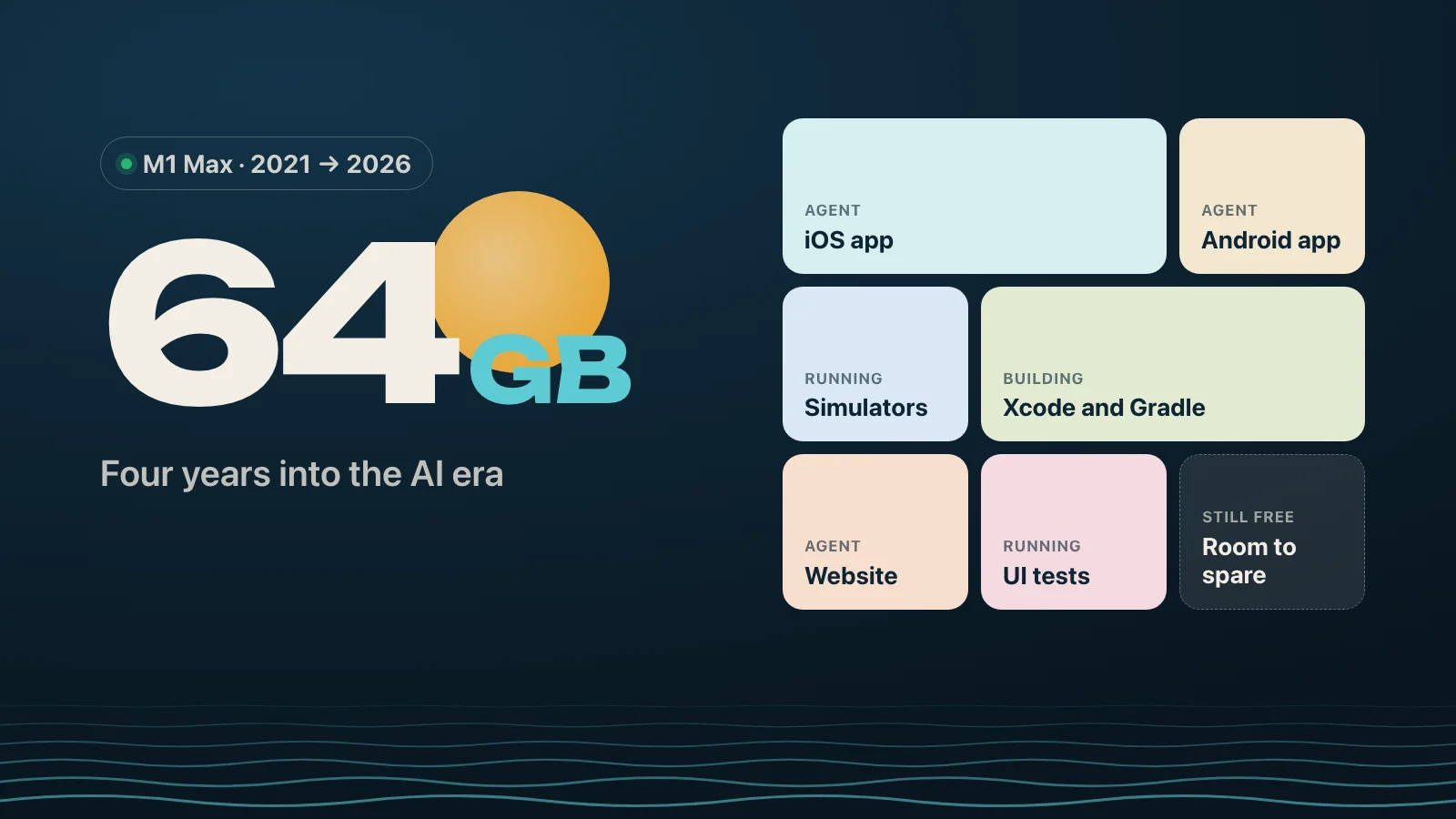
The thing is, agents don’t work like a human with one editor open. I run several sessions in parallel: one working on the iOS app, one on Android, one on the website or the backend. Each of them builds, runs tests, boots a simulator, starts a dev server. Every one of those wants memory, all at the same time.
That’s where the 64 GB pay off. As I’m writing this post, the Mac has two iPhone simulators booted, a few agent sessions working, the dev server for this blog, Chrome, Slack and the usual suspects. macOS reports 63 GB in use, 23 GB of it compressed, and zero swap. Memory pressure is still green.
On a 16 GB machine, this would be swap all day, and I would be doing things one at a time again. The CPU almost never limits me. Memory decides how many things I can do in parallel.
Where it hurts: storage
In 2022, I wrote that I took the smallest SSD “since I never run out of storage on my old computer”. Famous last words.
Today this Mac has 19 GB free out of 512 GB:
- iOS simulators: 33 GB
- iOS device support files: 13 GB
- Android emulator images: 7 GB
- Xcode’s build cache: 6.5 GB
Agents make it worse, because they love making copies. I even had to ask mine to stop creating extra git worktrees, since each one is a full checkout plus its own build folders.
Parallel work also has limits that RAM can’t fix. Two xcodebuild runs on the same project share one build database, so I make sure only one agent builds a given app at a time. Good to know before you launch five agents on the same project.
Four years later
The battery reports 81% of its original capacity after 217 cycles. The 120Hz screen is still great, the fans almost never spin, and the machine feels as fast as the day I got it.
If you’re buying a Mac for development today, my advice changed since 2022:
- Memory first. It decides how many things you can do at once, and with agents, that’s how fast you ship.
- Storage second. 512 GB is not enough anymore with simulators, emulators and agents. Take at least 1 TB.
- The chip generation last. My M1 Max still keeps up. What I miss is disk space, not speed.
In 2022, the 64 GB were future-proofing for a future I couldn’t name. It turns out the future was parallel.